
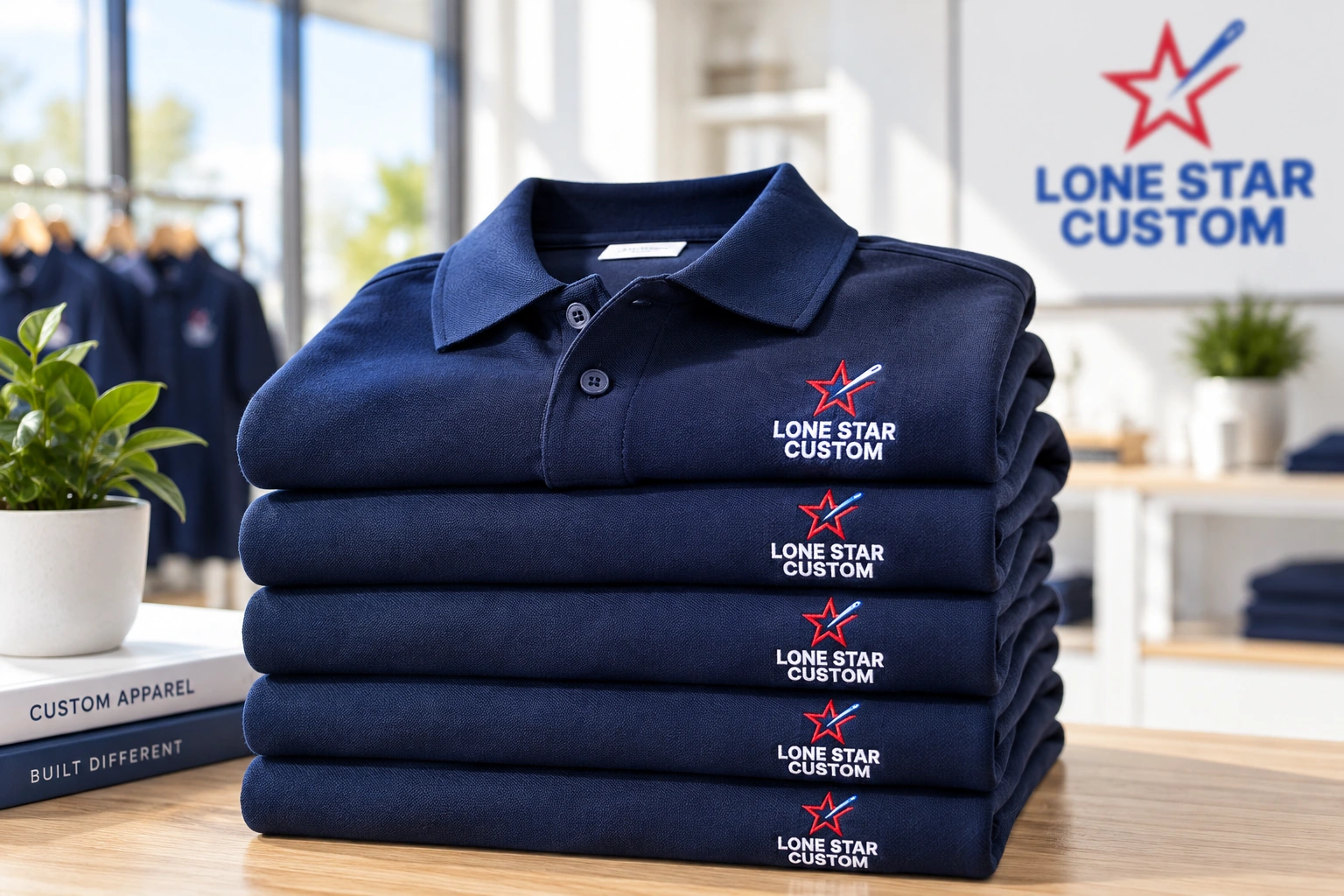
Start with the operating system, not the garment
A strong uniform program defines who wears what, how artwork is approved, how new employees get sized, how replacements are ordered and who controls exceptions. The goal is consistency without making every reorder a new project.
1. Define roles and approved products
Map the organization by role or department, then choose a short approved product list for each group. Keeping the assortment intentional makes sizing, decoration and replenishment easier to manage.
2. Lock artwork and placement standards
Document approved logos, colors, decoration methods and placement rules. This reduces inconsistency between departments and helps future orders match previous ones.
3. Decide how employees will order
For occasional needs, a managed bulk reorder may be enough. For ongoing hiring, multiple locations or employee allowances, a company store or Merch Hub can make the buying process easier to control.
4. Plan sizing and onboarding
Define how new employees choose sizes, who approves exceptions and whether onboarding kits should include more than apparel.
5. Create a reorder rhythm
Save approved products, art and decoration instructions so replacements and new-hire orders do not restart from zero. For larger organizations, assign ownership for approvals and budget rules.
Where LS Custom fits
LS Custom can help organizations structure uniforms, embroidery or printing, approved product lists, recurring ordering and fulfillment around the actual operating model.
Explore Uniforms & Workwear · Explore Merch Hub · Request a project quote
Uniform planning by industry
Compare role-specific options for manufacturing uniforms and employee merchandise and automotive team apparel before choosing your approved assortment.
Continue planning
How to Build a Smart Custom Apparel Program · Custom Apparel Procurement Checklist for Business and Organization Buyers